NeuralTrust has been recognized by Gartner → Read more

Connect LaunchDarkly MCP to your AI agents, securely.

One secured endpoint for every LaunchDarkly call your AI agents make, scoped per user, inspected, and logged.

Select the tools your AI agents can call

146 tools from the LaunchDarkly MCP schema.

Showing 146 tools

  • delete-flaghigh riskDeletes a feature flag from a project.
  • archive-flaghigh riskArchive a feature flag (reversible). This is a soft-delete that can be undone.
  • copy-flag-confighigh riskCopy a flag's targeting configuration from one environment to another.
  • toggle-flaghigh riskTurns a flag's targeting on or off in a specific environment. This takes effect immediately.
  • create-flagwriteCreates a new feature flag in a project.
  • get-flagsreadSearch and browse feature flags with a paginated summary per flag, or get one flag in full by flagKey.
  • update-flagwriteUpdate a flag's top-level settings and variations without changing environment targeting.
  • match-release-policiesreadResolve which release policies would govern a flag in a given environment, a read-only dry-run of the server-side policy matching logic.
  • create-automated-rollout-configwriteRecord an automated rollout config in LaunchDarkly for a feature-flagged change.
  • stop-guarded-rollouthigh riskStop an active guarded rollout on a flag's default rule (fallthrough).
  • start-guarded-rolloutwriteStart a guarded rollout on a flag's default rule (fallthrough).
  • update-targeting-ruleshigh riskAdd, remove, or modify custom targeting rules for a flag in an environment.
  • update-off-variationhigh riskSet the variation a flag serves when its targeting is OFF, in one environment (env), several (envs), or every environment (allEnvs).
  • update-rollouthigh riskChange the default rule (fallthrough) for a flag.
  • update-expiring-targetshigh riskList, add, update, or remove expiring targets on a flag. Expiring targets are automatically removed from targeting after a specified date. Timestamps in the result are UTC.
  • update-flag-targetinghigh riskAdd, remove, or replace users or contexts in individual flag targeting, and add or remove flag prerequisites, in one environment.
  • get-release-policiesreadList release policies and guarded-rollout metric settings.
  • archive-automated-rollout-confighigh riskArchive an automated rollout config so the scheduler stops processing it. It is a soft delete: the config stays readable with get-automated-rollout-config, with status "archived".
  • get-automated-rollout-configreadFetch a single automated rollout config by id to verify its state.
  • update-automated-rollout-confighigh riskModify an automated rollout config that has not started releasing.
  • get-flag-unique-context-exposuresreadGet unique-context exposure counts (distinct-context cardinality) for a flag in an environment.
  • get-flag-status-across-envsreadChecks a flag's lifecycle status across all environments in a project.
  • get-flag-healthreadGet combined health view for a single flag: lifecycle state, last-requested timestamp, targeting summary (rules count, targets count, on/off), age, and whether it's temporary.
  • get-rollout-completenessreadCheck whether a feature flag is fully rolled out: every traffic-bearing environment serves one variation to all contexts, and a stability gate is met.
  • search-flag-evaluationsreadQuery feature flag evaluations recorded on spans.
  • get-flag-code-referencesreadGet per-repository code-reference counts for one flag. Requires projectKey and flagKey.
  • get-flag-extinctionsreadGet commits that removed the last code reference to one flag in scanned repositories. Requires projectKey and flagKey.
  • get-removal-readinessreadRun a detailed safety check before removing a feature flag in one environment.
  • search-stale-flagsreadFind cleanup candidates, prioritized as never requested, inactive beyond the threshold, or launched without recent changes. Timestamps in the result are UTC.
  • update-segment-targetshigh riskAdd or remove individual context keys from a segment's included or excluded lists.
  • update-segment-ruleshigh riskAdd, remove, or modify attribute-based targeting rules on a segment.
  • create-segmentwriteCreates a reusable segment of contexts that flags can target.
  • get-segmentsreadList segments in one environment with rule and target counts, or get one segment by segmentKey.
  • delete-segmenthigh riskPermanently delete a segment from one environment. This is irreversible and requires confirm=true. Check that no flag targeting rules reference the segment first.
  • get-sdk-activereadCheck whether any SDKs have been active in a given environment.
  • get-environmentreadGet a LaunchDarkly environment's client-side ID and mobile key.
  • create-projectwriteCreate a new LaunchDarkly project. Returns the project with its environments, including each environment's client-side ID and mobile key.
  • get-projectsreadList the LaunchDarkly projects in the account to discover project keys, or get one project by projectKey.
  • update-projectwriteRename a LaunchDarkly project or change its tags. Send only the fields to change; each one replaces the current value, so tags must list every tag the project should keep.
  • create-environmentwriteCreate an environment in a LaunchDarkly project. name is the display name capitalized as the user wrote it (QA, not qa). Returns its key, name, client-side ID, mobile key, color, tags, and settings.
  • get-sdk-keyreadReturn the server-side SDK key for one environment. This is the only tool that returns that credential.
  • get-experiment-metric-resultsreadGet detailed statistical results for a single metric on an experiment iteration.
  • get-experiment-resultsreadGet an overall results summary for an experiment, across every metric on the current iteration.
  • stop-experiment-iterationhigh riskStop the currently running iteration of an experiment.
  • save-and-start-experiment-iterationhigh riskStop the current running iteration, create a new draft iteration with the provided field updates applied, and start it.
  • start-experiment-iterationhigh riskStart an experiment iteration. This begins data collection for the experiment's current draft iteration and starts allocating live end-user traffic across its treatments.
  • update-experimenthigh riskUpdate fields on an experiment or its current iteration.
  • create-experimentwriteCreate a new experiment on a flag or AgentControl Config.
  • create-metricwriteCreate a new metric in a LaunchDarkly project.
  • get-experimentsreadList experiments in a project, filtered by environment, flag or status, or get one experiment by experimentKey.
  • get-metricsreadList or get the LaunchDarkly metrics used by experiments and guarded rollouts.
  • get-metric-eventsreadList the metric event keys LaunchDarkly has recently observed, or get one by eventKey.
  • get-metric-data-sourcesreadList warehouse-native metric data sources, each mapping a SQL query, table or view in a connected warehouse to metric events.
  • update-metrichigh riskChange an existing metric.
  • delete-metrichigh riskPermanently delete a metric. LaunchDarkly refuses while a flag, experiment, guarded rollout, metric group, or release policy uses it.
  • apply-approval-requesthigh riskApply an already-approved flag or segment approval request.
  • create-approval-requestwriteCreate an approval request for a flag or segment change in an environment that requires approvals.
  • get-approval-requestsreadList approval requests, including applied (completed), scheduled, and failed requests.
  • search-change-historyreadQuery the audit log to find what changed in a LaunchDarkly account. Returns changes newest first with who made each change and what they did.
  • apply-agent-config-approvalhigh riskApply an already-approved AgentControl Config approval request. Call it only after the request's reviewStatus is approved; it never approves.
  • create-agent-config-approvalwriteCreate an approval request for an AgentControl Config change without approving it. Include at least one reviewer in notifyMemberIds or notifyTeamKeys.
  • get-agent-config-approvalsreadList approval requests for an AgentControl Config. Pass projectKey and configKey, or only id.
  • delete-agent-skillhigh riskPermanently delete an agent skill and all of its versions.
  • update-agent-skillhigh riskUpdate an agent skill's markdown, name, description, tags, or maintainer.
  • create-agent-skillwriteCreate an agent skill from SKILL.md content.
  • delete-prompt-snippethigh riskPermanently delete a prompt snippet.
  • update-prompt-snippetwriteUpdate an existing prompt snippet. Creates a new version of the snippet.
  • create-prompt-snippetwriteCreate a new prompt snippet. A snippet is a reusable text block that can be referenced in AgentControl Config variation prompts using {{snippet-key}} syntax.
  • delete-ai-toolhigh riskPermanently delete an AI tool definition.
  • update-ai-toolwriteUpdate an AI tool definition's description, schema, tags, or customParameters.
  • delete-agent-graphhigh riskPermanently delete an agent graph and all of its edges.
  • update-agent-graphhigh riskUpdate an agent graph's metadata or structure.
  • create-agent-graphwriteCreate a new agent graph in a project. An agent graph defines a directed graph of AgentControl Configs for multi-agent workflows.
  • create-ai-toolwriteCreate a new AI tool definition in a project.
  • create-agent-configwriteCreate an AgentControl Config or one of its variations. resource is required. configKey always names the config and variationKey and variationName always name a variation. resource=config creates the config (configKey, name, mode).
  • get-agent-configsreadSearch and browse AgentControl Configs, or get one config and its variations by configKey.
  • update-agent-confighigh riskUpdate an AgentControl Config. resource is required and picks what changes. resource=config: name, description, tags, defaultVariationKey (the variation new environments serve by default; existing environments keep their fallthrough.
  • delete-agent-confighigh riskPermanently delete an AgentControl Config (resource=config) or one of its variations (resource=variation, with variationKey). Requires confirm=true.
  • create-ai-model-configwriteCreate a custom AI model config for a model that is not in the global catalog.
  • get-ai-model-configsreadGet the AI model configs that AgentControl Config variations can select: global catalog models (global=true) and the project's custom models.
  • update-ai-model-confighigh riskUpdate an AI model config.
  • delete-ai-model-confighigh riskPermanently delete a custom AI model config. Requires confirm=true. modelConfigKey is the key, not the id. Global models cannot be deleted; restrict them with update-ai-model-config instead.
  • get-agent-graphsreadList AgentControl graphs in a project, or get one graph with its edges by graphKey.
  • get-agent-skillsreadList or get AgentControl agent skills: versioned SKILL.md documents that config variations attach by key and version.
  • get-ai-toolsreadList AI tool definitions in a project, or get one with its schema by toolKey.
  • get-prompt-snippetsreadList reusable prompt snippets in a project, or get one by snippetKey.
  • update-playgroundwriteUpdate an LLM playground's name, variants, or archived status.
  • create-playgroundwriteCreate a new LLM playground. A playground lets you compare AgentControl Config variations side-by-side.
  • get-evaluation-run-summaryreadGet the progress and results of an evaluation run.
  • run-evaluationwriteStart an AI evaluation run against one target, a dataset from get-datasets or a playground from get-playgrounds, with all, top or random row selection.
  • create-evaluationwriteCreate an AI evaluation: a saved prompt, a generation model, and scoring criteria.
  • delete-datasethigh riskPermanently delete an offline dataset and its associated metadata.
  • create-datasetwriteCreate an offline dataset for AI evaluation.
  • get-datasetsreadList offline datasets in a project, or get one by datasetId.
  • get-evaluationsreadList AI evaluation definitions in a project, or get one by evaluationId.
  • get-playgroundsreadList LLM playgrounds in a project, or get one by playgroundId.
  • get-session-event-chunksreadList the rrweb event chunks recorded for a session.
  • get-service-connections-usagereadGet a time series of service connection minutes from your LaunchDarkly account.
  • find-o11y-projectreadFind the LaunchDarkly project that holds a service's observability data (logs, traces, metrics, errors).
  • get-changesreadShow what changed around a failure: one time-ordered timeline for a service and window that merges build version changes seen in traces, logs and errors, LaunchDarkly flag changes from the audit log, and the service's alert firings and config edits.
  • get-error-groupreadGet one error group by secure_id with its state, stack and one occurrence (the latest unless errorObjectId or startDate picks another), with its trace_id, session, and next_id and previous_id.
  • get-incidentsreadRead incidents from the incident.io workspace connected to this project, to learn whether one already exists for a problem and what responders found.
  • get-investigationreadRead the automatic investigation that ran for an alert firing, so you can build on its diagnosis instead of investigating again. Pass the investigation_conversation_id from get-alert-firing-history.
  • get-session-detailsreadGet one session's details in one call: the session row, its frontend errors, a network resource summary, web vitals, rage clicks, and active and idle intervals; choose sections with include. _pivots gives ready-made arguments for the logs.
  • get-tracereadGet one trace by ID as a span tree with each span's service, duration, self_ms (time not spent in children) and status, plus completeness and error groups.
  • query-funnelreadCount how many sessions (or other groups) reach each step of an ordered funnel, where each step is a logs, traces, or product-analytics events search query, e.g. step=landing then step=signup.
  • search-aggregationsreadCompute time-bucketed aggregates (counts, sums, averages, percentiles) for a product type; prefer it to raw queries for trends, group comparisons, or windows over 24 hours; for services ranked by error rate, request count or p95.
  • search-error-groupsreadQuery error groups whose occurrences match a filter in a time window. Only OPEN groups unless state says otherwise.
  • search-log-patternsreadCluster the logs matching a filter into message templates, with ids, numbers and other variable parts masked, each with its count and the newest example.
  • search-logsreadQuery raw log entries (timestamp, level, message, service, attributes) in a time window. An error-level log that recorded an error carries error_group_secure_id for get-error-group.
  • search-service-mapreadGet the services seen in trace data for a time window, with their dependencies.
  • search-sessionsreadQuery sessions in a time window; set detailed for replay, privacy, and billing fields. length and active_length are in milliseconds. To fetch one session by secure_id, use a wide window and count 1.
  • search-timeline-eventsreadQuery timeline indicator events for one session (clicks, navigations, track and identify calls, focus and tab changes) in time order.
  • search-tracesreadQuery raw spans in a window of at most 24 hours; use search-aggregations for longer windows. view=traces returns one row per trace instead, to find slow or failing requests.
  • update-error-group-statehigh riskTriage an error group: set its state to OPEN, RESOLVED, or IGNORED, and optionally snooze it until a time. Changes whether Errors alerts fire for the group. Requires confirm=true.
  • preview-graphreadPreview a chart/graph inline WITHOUT saving it to a dashboard.
  • create-graphwriteAdd a chart/graph to an existing dashboard.
  • get-resource-viewsreadList the views a flag, segment, or AgentControl Config is linked to.
  • list-view-resourcesreadList the resources of one type linked to a view.
  • link-view-resourceswriteLink flags, segments, or AgentControl Configs to a view.
  • update-viewwriteUpdate a view's name, description, maintainer, or tags.
  • create-viewwriteCreate a new view in a project. Views are an Enterprise feature.
  • delete-alerthigh riskPermanently delete an observability alert.
  • toggle-alerthigh riskEnable or disable an observability alert without changing its configuration.
  • update-alerthigh riskUpdate an existing observability alert. Only the fields you provide are changed; everything else is preserved.
  • create-alertwriteCreate a new observability alert that fires when a metric crosses a threshold.
  • get-alert-firing-historyreadShow when an alert actually fired, and what state it is in now.
  • delete-dashboardhigh riskPermanently delete a dashboard (visualization) and all of its graphs.
  • get-keysreadDiscover available data keys/dimensions for a product type.
  • create-dashboardwriteCreate a new empty dashboard (visualization) for organizing charts.
  • get-alertsreadList existing alerts with each enabled alert's current state, or get one alert by alertId.
  • get-dashboardsreadList existing dashboards, or get one dashboard and its graphs by dashboardId.
  • update-dashboardhigh riskChange an existing dashboard, or with graphId one of its graphs. Only the fields you send change; the rest is kept. Without graphId send name, timePreset, graphIds, or variables.
  • delete-graphhigh riskPermanently delete one graph from a dashboard and keep the dashboard and its other graphs. THIS IS IRREVERSIBLE. Requires confirm=true.
  • get-viewsreadList views, or get one view by key. Views are an Enterprise feature.
  • delete-viewhigh riskDelete a view by key. THIS IS IRREVERSIBLE. Requires confirm=true to execute. Views are an Enterprise feature. Deleting a view does not delete the linked resources, only the view and its links.
  • unlink-view-resourceshigh riskUnlink flags, segments, or AgentControl Configs from a view. Views are an Enterprise feature. Requires confirm=true, which approves the unlink.
  • get-docreadFetch the full markdown content of a LaunchDarkly documentation page.
  • search-docsreadSearch LaunchDarkly documentation to retrieve authoritative reference material for flags, targeting rules, experiments, segments, AgentControl configs, SDKs, API fields, rollouts, metrics, and more.
  • get-context-instancesreadGet all stored instances of a specific context by kind and key.
  • search-contextsreadSearch for stored LaunchDarkly contexts in an environment by kind, key, or attribute value.
  • invite-membershigh riskInvite one or more people to the LaunchDarkly account by email.
  • get-member-selfreadReturn the member ID, profile, and team memberships for the currently authenticated user.
  • search-membersreadSearch account members by name or exact emails.
  • get-skillsreadList the LaunchDarkly skill guides this server ships.
  • load-skillreadRead a LaunchDarkly skill guide listed by get-skills. Pass a skill key such as feature-flags/launchdarkly-flag-cleanup. The response text is the guide body.

What LaunchDarkly MCP exposes

LaunchDarkly MCP groups its 146 tools into 13 categories, each with a suggested starting policy.

All 146 tools as JSON, ready to paste.

CategoryCoversAccessSuggested policy
FlagsFlag search and details, creation, settings and variations, toggling, copying configuration, archiving and deletionRead / WriteRequire approval for every flag write; a toggle changes production behaviour instantly
Targeting & RolloutsTargeting rules, individual targets, prerequisites, off variations, percentage, automated and guarded rollouts, expiring targets and release policiesRead / WriteRequire approval; targeting changes alter production behaviour instantly
Flag StatusFlag status across environments, flag health, rollout completion, context exposures and flag evaluation dataReadAllow read-only status checks
LifecycleStale flag detection, removal readiness checks, per-repository code references and the commits that removed the last reference to a flagReadRun the readiness check before any removal
SegmentsSegment listing and details, creation, rule and target updates and deletionRead / WriteSegment changes shift who sees a feature; audit them
Projects & EnvironmentsProject listing and details, creation and updates, environment details and creation, server-side SDK keys and SDK activityRead / WriteProject and environment reads can return SDK keys; treat them as credentials
Experiments & MetricsExperiments and their iterations and results, metrics with their events and warehouse data sources, metric updates and deletionRead / WriteApprove starting or stopping iterations; results feed release decisions
Approvals & HistoryFlag and AgentControl Config approval requests, applying approved changes and change history from the audit logRead / WriteKeep applying approvals with a human
AgentControlAgentControl configs and their variations, targeting and rollouts, AI model configs, prompt snippets, AI tools, agent graphs and agent skillsRead / WriteRequire approval for config, targeting and model changes; they change live AI behaviour
AI EvaluationsPlaygrounds, evaluations and their runs, and evaluation datasetsRead / WriteAllow in non-production projects; datasets can hold sample user data
ObservabilityFinding the project that holds observability data, querying logs and log patterns, traces, error groups and their triage state, sessions, timeline events, funnels, aggregations, the service map, change timelines, alert investigations and connected incidentsRead / WriteLogs and sessions can contain personal data; limit to investigating agents
Alerts & DashboardsObservability alerts and their firing history, dashboards and their graphs with previews, data keys, and views with linked resourcesRead / WriteAudit alert changes; a muted alert hides incidents
Account, Contexts & DocsMember search and invitations, contexts and their instances, documentation search and the skill guides the server shipsRead / WriteRequire approval for invitations; they grant account access

Connect LaunchDarkly MCP to your AI agent

Four steps, under ten minutes.

  1. 01

    Sign in to NeuralTrust

    Open the NeuralTrust platform, sign in and go to Getting started, then Connect your tools.
    Sign in to NeuralTrust
  2. 02

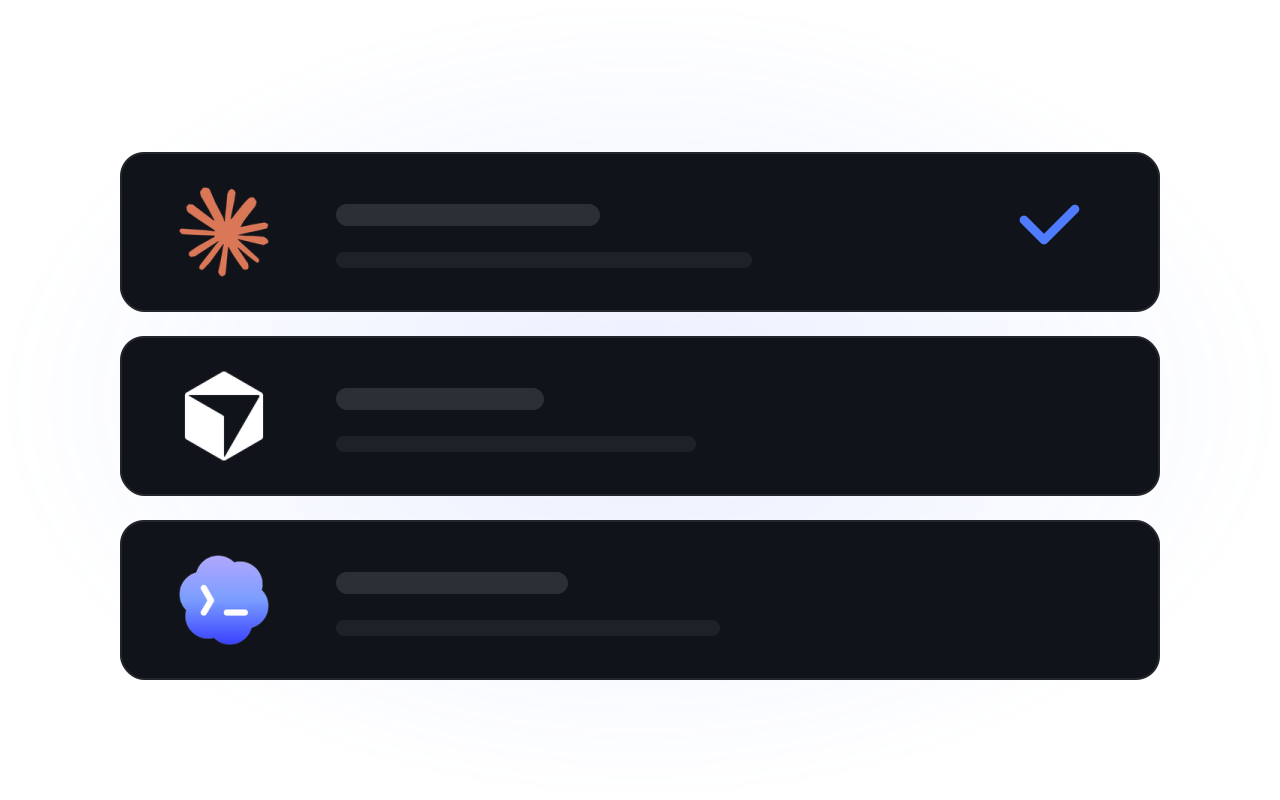
    Choose your agent

    When asked which agent you use, pick Claude Code, Codex, Cursor, Windsurf, Copilot or your own code.
    Choose your agent
  3. 03

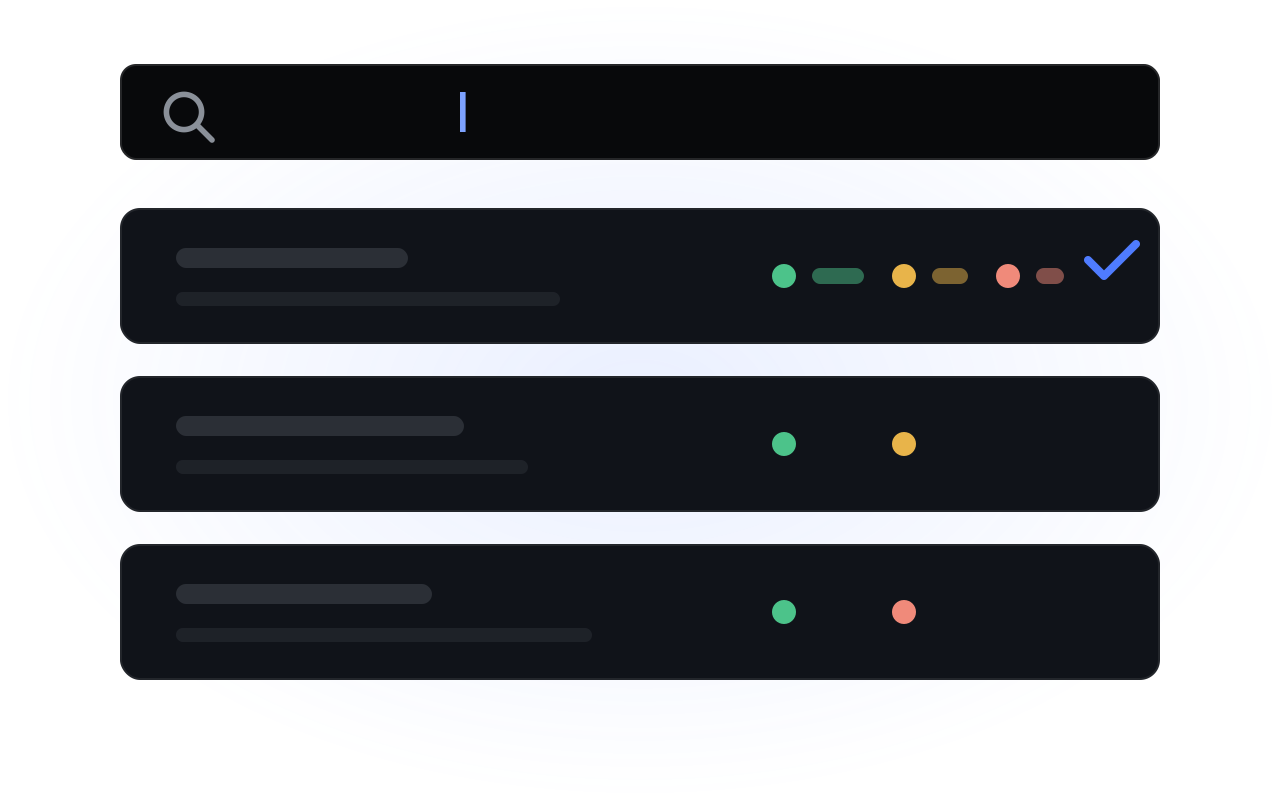
    Connect LaunchDarkly

    Find LaunchDarkly in the tool list and connect it.
    Connect LaunchDarkly
  4. 04

    Connect your agent

    Follow the steps on screen to add the config to your agent, then send the test prompt.

    Connect your agent

Permissions down to the single tool

You do not allow LaunchDarkly MCP or block it. You allow the exact tools each agent can call, one by one.

LaunchDarkly MCP146 TOOLS AVAILABLE
Code review agent4 tools, read only
Issue triage bot9 tools
Platform team assistantall 146 tools
  • Tool by toolConnecting the server is not the unit of access. Each tool is granted on its own.
  • Default denyA tool you have not enabled is never exposed to the agent.
  • Approval on writesTools that change or delete things can require a human to confirm.

Is LaunchDarkly MCP secure?

One endpoint instead of raw credentials. Every call is checked against policy and logged.

AI agentsConnect through your MCP client configuration.NeuralTrustApply controls based on your configuration.LaunchDarkly MCP146 documented tools across eight toolsets: flags, releases, experiments, approvals, agent-control, observability, account and guides. Each tool carries Read-only, Idempotent, Destructive or Open-world badges, and the destructive ones require explicit confirmation.
Coding assistantsConnection & credentialsper userAgentControl24 tools
Internal copilotsTool access policiesdeny by defaultAlerts & Dashboards22 tools
Workflow automationsRequest & response inspectioninlineObservability19 tools
Compatible MCP clientsActivity monitoringalerts and logsAll other tools81 tools
FAQ

Common questions about running LaunchDarkly MCP through TrustGate.

Connect LaunchDarkly MCP instantly

Pick the tools, point your agent at TrustGate, and LaunchDarkly MCP is live: scoped, inspected, logged.