
Conecta Mercury MCP a tus agentes de IA, de forma segura.
Un único endpoint seguro para cada llamada a Mercury que hacen tus agentes de IA: acotada por usuario, inspeccionada y registrada.Prueba Mercury MCP ahora
Lo que pueden pedir tus agentes una vez conectado Mercury MCP.
Elige las herramientas que pueden usar tus agentes de IA
53 herramientas del esquema de Mercury MCP.
Mostrando 53 herramientas
Qué expone Mercury MCP
Mercury MCP agrupa sus 53 herramientas en 10 categorías, cada una con una política inicial sugerida.
Las 53 herramientas en JSON, listas para pegar.
| Categoría | Incluye | Acceso | Política sugerida |
|---|---|---|---|
| Transacciones y categorías | Transacciones por ID, con adjuntos e imágenes de cheque, listado filtrado con paginación, categorías de gasto propias y su creación, edición y aplicación, y subida de recibos y su conciliación con transacciones | Lectura / Escritura | Estas escrituras se aplican al instante sin cola de aprobación, y updateTransaction puede sobrescribir una nota o categoría existente; exige aprobación en el gateway |
| Cuentas y tesorería | Detalle y listado de cuentas, extractos mensuales con filtro de fechas, cuentas de crédito y sus extractos, resúmenes mensuales de flujo de caja, y cuentas de tesorería con sus transacciones | Lectura | Datos de saldo y extractos en solo lectura; las herramientas de negocio solo aparecen en cuentas elegibles |
| Facturación | Clientes y su listado, facturas y su listado, adjuntos de factura y detalle de adjuntos con URL de descarga | Lectura | getAttachment devuelve una URL de descarga; las escrituras no pueden crear facturas, así que esta superficie es de lectura |
| Tarjetas | Tarjetas de débito y crédito de una cuenta, una tarjeta por ID y listado paginado | Lectura | Solo lectura; las escrituras no pueden emitir ni gestionar tarjetas |
| Beneficiarios | Un beneficiario por ID, todos los beneficiarios, invitaciones a beneficiarios y los adjuntos de formularios fiscales de la organización | Lectura | Los beneficiarios y formularios fiscales llevan datos bancarios de terceros; restringe y registra. Las solicitudes de pago solo pueden apuntar a beneficiarios existentes |
| Pagos y transferencias | Creación de una solicitud de pago a un beneficiario existente, de una transferencia interna entre cuentas Mercury, y listado de solicitudes pendientes | Lectura / Escritura | Ambas se detienen en la cola de aprobación de Mercury; comprueba si ya existe una solicitud antes de crear otra tras un resultado incierto |
| Organización y usuarios | Información de la organización incluido EIN, razón social y nombres comerciales, más usuarios y sus roles | Lectura | getOrganization expone identificadores fiscales de la empresa; restríngela |
| Webhooks | Endpoints de webhook por ID y listado completo, filtrable por estado | Lectura | Solo lectura; los webhooks no se pueden crear ni modificar desde el servidor MCP |
| SAFEs | Solicitudes SAFE (Simple Agreement for Future Equity), individuales y en listado | Lectura | Las condiciones de un SAFE son datos financieros sensibles; limita a perfiles de finanzas |
| Presupuestos | Listado de presupuestos, detalle, miembros y gasto por miembro, transacciones asignadas, creación de presupuestos en borrador, actualización y archivado o borrado | Lectura / Escritura | updateBudget y archiveBudget se aplican al instante; archiveBudget borra un presupuesto en borrador. Exige aprobación para las escrituras de presupuestos |
Conecta Mercury MCP a tu agente de IA
Cuatro pasos, menos de diez minutos.
- 01
Inicia sesión en NeuralTrust
Abre la plataforma de NeuralTrust, inicia sesión y ve a Getting started, después a Connect your tools.
- 02
Elige tu agente
Cuando te pregunte qué agente usas, elige Claude Code, Codex, Cursor, Windsurf, Copilot o tu propio código.

- 03
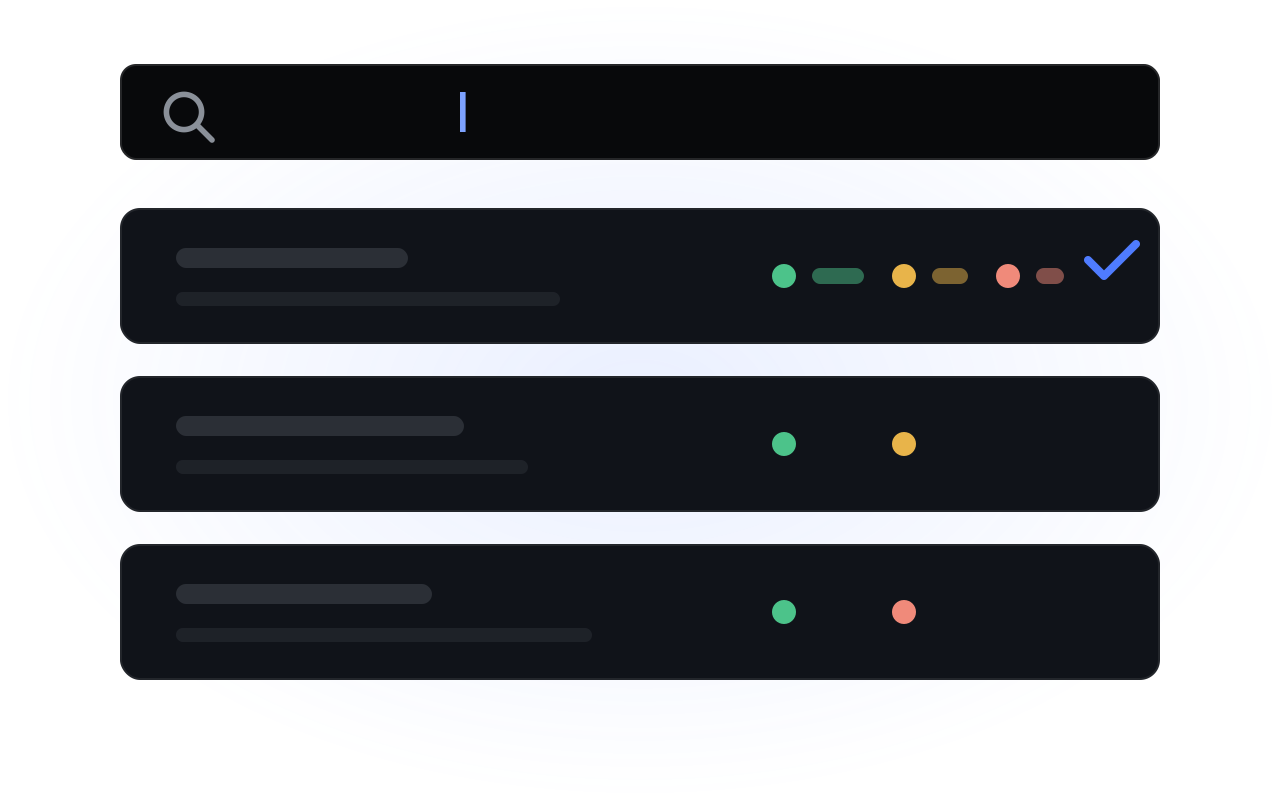
Conecta Mercury
Busca Mercury en la lista de herramientas y conéctalo.
- 04
Conecta tu agente
Sigue los pasos en pantalla para añadir la configuración a tu agente y envía el prompt de prueba.

Permisos hasta la herramienta individual
No permites ni bloqueas Mercury MCP entero. Permites exactamente las herramientas que puede llamar cada agente, una a una.
| Mercury MCP | 53 HERRAMIENTAS DISPONIBLES |
|---|---|
| Agente de revisión de código | 4 herramientas, solo lectura |
| Bot de triaje de incidencias | 9 herramientas |
| Asistente del equipo de plataforma | las 53 herramientas |
- Herramienta por herramientaConectar el servidor no es la unidad de acceso. Cada herramienta se concede por separado.
- Denegado por defectoUna herramienta que no has activado nunca se expone al agente.
- Aprobación en las escriturasLas herramientas que modifican o borran pueden exigir la confirmación de una persona.
¿Es seguro Mercury MCP?
Un endpoint en lugar de credenciales en claro. Cada llamada se comprueba contra la política y queda registrada.
| Agentes de IASe conectan desde la configuración de tu cliente MCP. | NeuralTrustSe aplican los controles según tu configuración. | Mercury MCP53 herramientas en la tabla publicada por Mercury: 10 de escritura y 43 de lectura. Las disponibles dependen además del tipo de cuenta, los permisos y los scopes concedidos. |
|---|---|---|
| Asistentes de código | Conexión y credencialespor usuario | Transacciones y categorías11 herramientas |
| Copilotos internos | Políticas de acceso a herramientasdenegado por defecto | Cuentas y tesorería8 herramientas |
| Automatizaciones de flujos | Inspección de peticiones y respuestasen línea | Presupuestos7 herramientas |
| Clientes MCP compatibles | Monitorización de actividadalertas y registros | Resto de herramientas27 herramientas |
Usa Mercury MCP con cualquier framework de agentes de IA
Guías de configuración para las herramientas que ya usa tu equipo.
 Claude CodeAñade Mercury MCP a Claude Code desde la terminal
 CursorUsa las herramientas de Mercury MCP en el agente de Cursor
 CodexConecta Mercury MCP a Codex CLI de OpenAI
 WindsurfDa a Cascade en Windsurf acceso a Mercury MCP
 Gemini CLILlama a Mercury MCP desde Gemini CLI
 Google AntigravityDeja que los agentes de Antigravity trabajen con Mercury MCP
 GitHub CopilotUsa Mercury MCP en el modo agente de Copilot
 Claude EnterpriseDespliega Mercury MCP en todo tu espacio de Claude
 Microsoft Copilot StudioAñade Mercury MCP como herramienta para agentes de Copilot Studio
 Open WebUILleva las herramientas de Mercury MCP a los chats de Open WebUI
 LangChainCarga las herramientas de Mercury MCP en agentes de LangChain
 HaystackIntegra Mercury MCP en pipelines de agentes de Haystack
 Strands AgentsDa a los agentes de Strands las herramientas de Mercury MCP
 Vercel AI SDKLlama a Mercury MCP desde apps con Vercel AI SDK
 n8nUsa Mercury MCP en flujos de agentes de IA de n8n
Preguntas habituales sobre usar Mercury MCP a través de TrustGate.
Otros servidores MCP
Más servidores del catálogo.

Brex
Conecta tus agentes de IA a Brex de forma segura con TrustGate: gastos, tarjetas, límites de gasto, banca, facturas, proveedores, contabilidad y viajes, acotados por agente y registrados.
43 herramientasVer
Stripe
Conecta tus agentes de IA a Stripe de forma segura con TrustGate: lecturas y escrituras en la API de Stripe, analítica, saldos, transferencias de Treasury y búsqueda de documentación, acotados por agente y registrados.
15 herramientasVer
Holded
Conecta tus agentes de IA a Holded de forma segura con TrustGate: facturación, contabilidad, tesorería, CRM, proyectos, inventario, RR. HH., calendario y buzón en 366 herramientas, acotados por agente y registrados.
366 herramientasVer
Chargebee
Conecta tus agentes de IA a Chargebee de forma segura con TrustGate: clientes, suscripciones, facturas, presupuestos, abonos, transacciones, catálogo, entitlements y exportaciones, acotados por agente y registrados.
114 herramientasVer
Conecta Mercury MCP al instante
Elige las herramientas, apunta tu agente a TrustGate y Mercury MCP queda activo: acotado, inspeccionado y registrado.